Fast message recognition
Simple hierarchy helps the audience understand the purpose of a slide within a few seconds.
Loading...
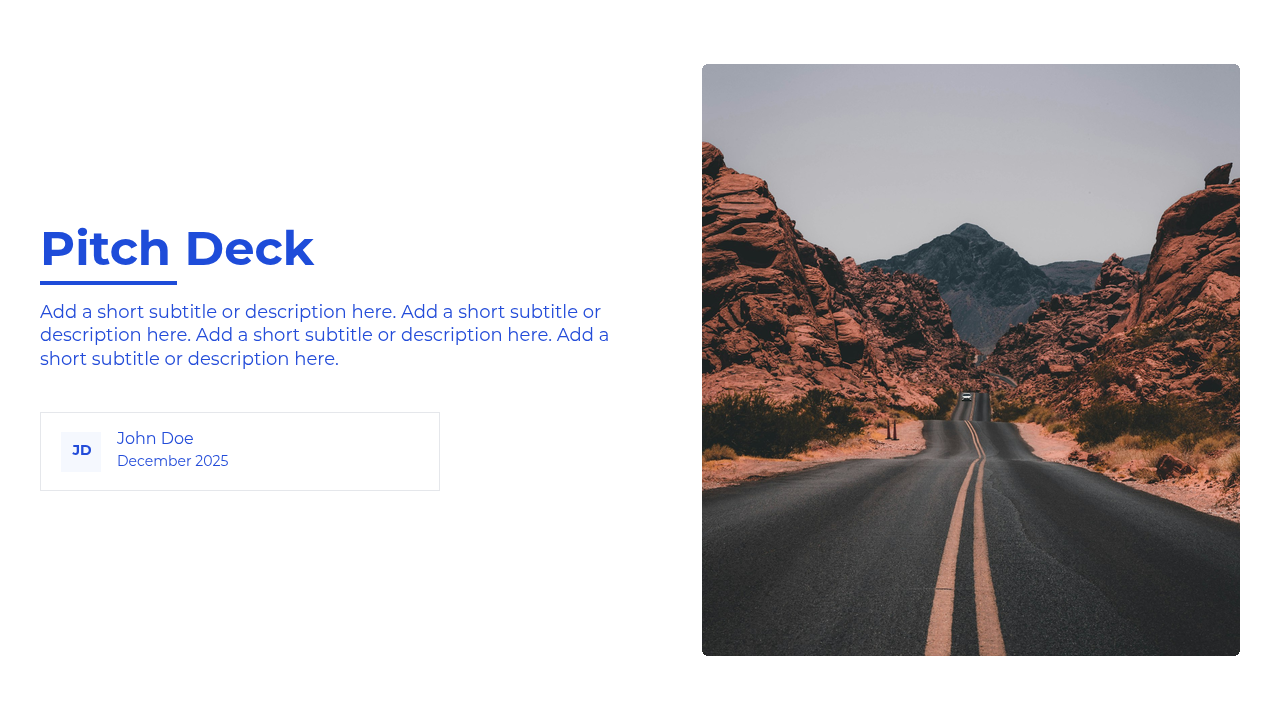
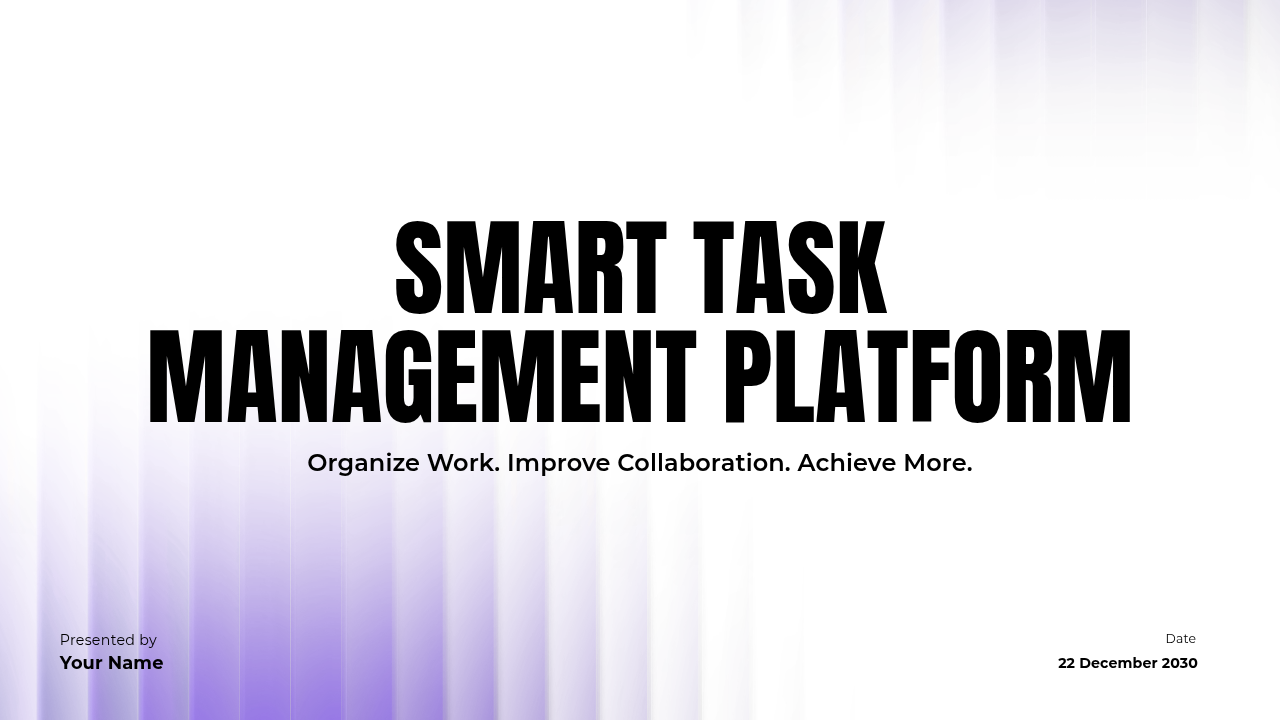
Bright, energetic layouts with crisp structure and visual momentum for concise, fast-paced presentations.
About this template
Every layout is generated from Presenton's real default template system. Text, charts, images, and visual elements remain editable, so the deck can adapt to your content without losing its design language.
Great for
Template guide
Swift is made for concise presentations that need to feel bright, direct, and fast moving. Crisp structure and energetic color give short updates and pitches a sense of momentum without requiring elaborate design work. The layouts reward strong editing: one clear message, a focused visual, and only the detail needed to move forward.
It is a natural fit for quick pitches, launch plans, product updates, and team standups where time is limited and the audience already understands some of the context. Swift helps presenters move rapidly from the situation to the proposed action while keeping the deck polished enough to share afterward.
Simple hierarchy helps the audience understand the purpose of a slide within a few seconds.
Clean surfaces and lively accents create momentum without competing with the core message.
Layouts encourage short explanations, focused updates, and direct transitions between ideas.
Suggested story
You can reorder or remove any layout, but starting with a clear narrative makes customization faster. This sequence is tailored to the kinds of presentations Swift handles best.
Tell the audience what is changing, launching, or being decided.
Cover the few facts, customer needs, or progress signals that shape the plan.
Present the proposed actions, sequence, timing, and responsible people.
End with the decision, feedback, or commitment needed to maintain momentum.
Write the complete story first, then remove anything the audience already knows. Use the brightest accent for the action or result, keep supporting copy to a few lines, and choose visuals that communicate immediately. If a slide needs lengthy explanation, divide it into two focused moments instead of shrinking the text.
Keep exploring