How Many Slides Should a Presentation Have? A Time-by-Time Guide
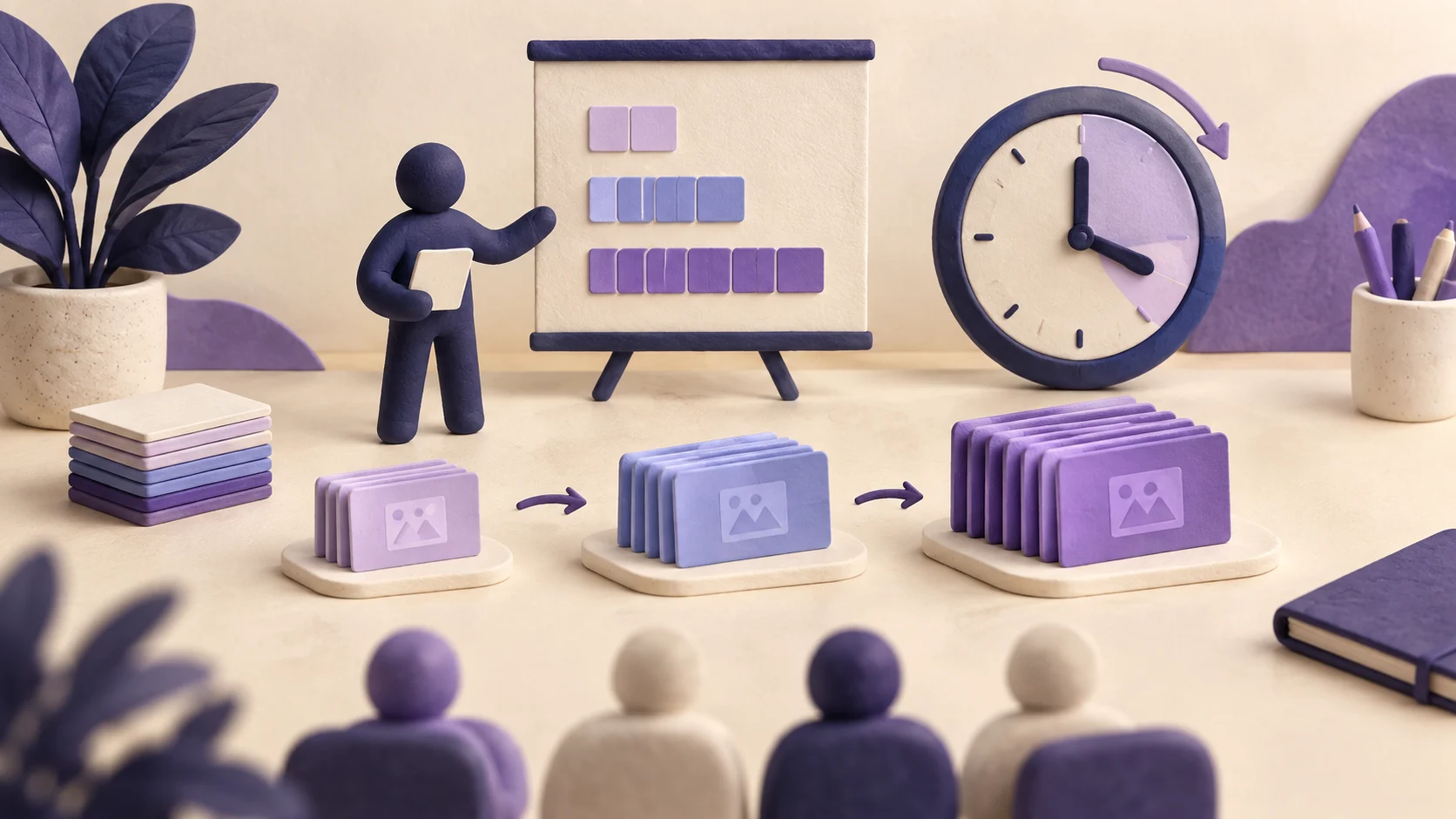
Find the right slide count for presentations from 5 to 60 minutes, then adjust it for your audience, content density, format, and rehearsal time.
How many slides should a presentation have?
For a standard presentation, start with roughly one substantive slide for every one to two minutes of speaking time. That usually means 4–6 slides for five minutes, 7–10 for ten minutes, 10–14 for fifteen minutes, 12–18 for twenty minutes, and 18–25 for thirty minutes. Treat those numbers as planning ranges, not hard limits.
A simple image may need only 20 seconds. A financial chart, technical diagram, or live demonstration may need two or three minutes. The right slide count is the number that lets every important idea land without forcing you to rush.
| Presentation length | Practical starting range | Typical use |
|---|---|---|
| 5 minutes | 4–6 slides | Lightning update, class summary, quick proposal |
| 10 minutes | 7–10 slides | Interview task, short briefing, conference talk |
| 15 minutes | 10–14 slides | Project update, lesson, product overview |
| 20 minutes | 12–18 slides | Investor pitch, webinar segment, research talk |
| 30 minutes | 18–25 slides | Workshop, client presentation, detailed briefing |
| 45 minutes | 25–35 slides | Training session, lecture, keynote |
| 60 minutes | 30–45 slides | Class, workshop, deep-dive presentation |
Why there is no perfect slides-per-minute rule
Slide count is a poor measure of presentation length when the slides do different jobs. One deck may use a single diagram for four minutes. Another may use four full-screen images in one minute. Both can be well paced.
Five factors determine the real number:
- Content density: a slide with one sentence moves faster than a slide with a chart, labels, and assumptions.
- Audience familiarity: specialists may understand technical shorthand, while a general audience needs more explanation and context.
- Presentation purpose: a pitch must make a focused case; training often needs examples, exercises, and review.
- Delivery style: image-led storytelling can move quickly, while analysis and discussion require more time.
- Non-speaking time: questions, transitions, demonstrations, polls, and technical setup all reduce usable minutes.
The question is therefore not “How many slides can I fit?” It is “How many meaningful moments can the audience understand in the time available?”
Use this formula to calculate your starting slide count
Begin with the full time slot, remove time that is not available for the main talk, and divide the remaining minutes by the average time each substantive slide needs.
For most mixed business or academic decks, use 1.25 to 1.75 minutes per substantive slide for the first estimate. Use two minutes or more when the deck contains technical charts, unfamiliar concepts, or audience discussion.
Imagine that you have a 20-minute slot. You reserve four minutes for questions and two minutes as a buffer. That leaves 14 speaking minutes. At about 1.5 minutes per content slide, you can support nine substantive slides. Add a title and a focused closing, and your first draft will contain about 11 slides.
This calculation is deliberately conservative. It is easier to add one useful visual after rehearsal than to rush through five slides the audience never had time to understand.
How many slides for a 5-minute presentation?
Use 4–6 slides for a conventional five-minute presentation. Five minutes is enough for one clear message, not a complete tour of a broad subject.
- Opening and promiseState the problem, question, or outcome in the first 20–30 seconds.
- Essential contextGive the audience only the background required to understand the point.
- Main insightPresent your strongest idea, finding, or recommendation.
- Evidence or exampleMake the claim concrete with one convincing proof point.
- ConclusionRepeat the takeaway and make the next step clear.
Skip a separate agenda slide. Explaining an agenda can consume ten percent of the entire talk. Instead, include the structure in one spoken sentence while the opening slide is visible.
How many slides for a 10-minute presentation?
Aim for 7–10 slides. Ten minutes gives you time to develop one argument with two or three supporting points, but it still punishes repetition.
| Slide job | Suggested slides | Time |
|---|---|---|
| Hook and context | 1–2 | 1.5 minutes |
| Main point one | 1–2 | 2 minutes |
| Main point two | 1–2 | 2 minutes |
| Main point three or evidence | 1–2 | 2 minutes |
| Summary and next step | 1 | 1 minute |
| Safety buffer | — | 1.5 minutes |
If the presentation is part of a job interview, end early enough for the interviewer to ask a question. A calm nine-minute delivery is stronger than a ten-minute script that ends in the middle of your final sentence.
How many slides for a 15-minute presentation?
Use 10–14 slides for most fifteen-minute talks. This duration works well for a short case study, research update, client proposal, or teaching segment.
A useful structure is one opening slide, two context slides, six to eight slides for findings or recommendations, one summary, and one next-step slide. If you need a complex chart, replace two ordinary slides with the chart rather than squeezing it between them.
For a research presentation, spend more time on the question, method, and strongest result than on the literature review. Put secondary analyses, detailed methods, and backup charts in an appendix for questions.
How many slides for a 20-minute presentation?
Plan 12–18 slides for a normal twenty-minute presentation. If the slot includes questions, build the main talk for 14–16 minutes instead of filling all twenty.
Investor pitches are a notable variation. Guy Kawasaki’s 10/20/30 rule recommends ten slides in twenty minutes with no font smaller than 30 points. It was designed to force venture pitches to focus on their most important ideas. It is a useful constraint, but it is not a universal law for lectures, product demos, or visual keynotes.
For a twenty-minute business presentation, organize the deck around a decision:
- Frame the decisionExplain what must be decided and why it matters now.
- Show the evidenceUse the smallest set of facts needed to establish the situation.
- Compare optionsMake trade-offs visible instead of hiding them in narration.
- Recommend a pathState the choice, expected outcome, risks, and owner.
- Close with actionDefine the approval, commitment, or next step you need.
How many slides for a 30-minute presentation?
Start with 18–25 slides. Reserve at least three minutes for interruptions or transitions, and more if the session includes questions.
Thirty minutes is long enough to need visible structure. Use section dividers or short verbal signposts so the audience knows when you move from context to analysis, recommendation, and implementation. A useful planning pattern is:
- 2–3 slides for the opening, objective, and context.
- 4–6 slides for each of two or three main sections.
- 2–3 slides for recommendations, risks, and next steps.
- Optional appendix slides for questions.
Do not add slides simply because the slot is longer. If the core argument needs only 15 slides, use the extra time for examples, discussion, or a clearer demonstration.
How many slides for a 45- or 60-minute presentation?
Use about 25–35 slides for 45 minutes and 30–45 slides for an hour-long session. Long presentations need changes in activity, not just more content.
Break the session into segments of roughly eight to twelve minutes. Between segments, use a question, example, demonstration, short exercise, story, or recap. This creates a new attention point and gives you a natural place to check the clock.
For a 60-minute workshop, a workable plan might contain 35 minutes of instruction, ten minutes of examples, ten minutes of exercises or discussion, and five minutes of questions. Thirty focused slides can easily fill that hour because the activity—not the slide change—controls the pace.
Adjust the slide count for your presentation type
| Presentation type | Pacing adjustment | Reason |
|---|---|---|
| Investor or sales pitch | Use fewer, sharper slides | The audience needs the problem, proof, economics, differentiation, and ask—not every operational detail. |
| Academic or technical talk | Allow more time per slide | Methods, equations, diagrams, and evidence need explanation. |
| Training or classroom lesson | Count activities separately | Examples, questions, and exercises consume time even when the slide does not change. |
| Product demonstration | Separate demo time from slide time | Navigation, loading, questions, and unexpected behavior make live demos slower than rehearsed narration. |
| Image-led keynote | More slides may be appropriate | Full-screen images can change quickly while the story continues. |
| Board or executive update | Keep the core deck short and add an appendix | Leaders often want the decision and evidence quickly, then ask for detail selectively. |
When a presentation format defines the exact slide count
Some formats have fixed rules. In these cases, do not apply the ordinary one-slide-per-minute guideline.
- Ignite: the official Ignite Talks format uses exactly 20 slides, each auto-advancing after 15 seconds, for a five-minute talk.
- PechaKucha: the official PechaKucha 20×20 format uses 20 images at 20 seconds each, producing a six-minute, 40-second presentation.
- 10/20/30 pitch: Guy Kawasaki’s rule uses ten slides in twenty minutes with a minimum 30-point font.
These formats work because the constraint shapes the content from the beginning. Trying to convert a dense conventional deck at the last minute usually produces rushed narration and unreadable slides.
Rehearsal determines the final slide count
Your first slide count is an estimate. A timed rehearsal reveals the real one.
- Rehearse out loudSilent reading is faster and does not reproduce pauses, explanations, or transitions.
- Record time by slideMark slides that take less than 20 seconds or more than two minutes. Both may need redesign.
- Cut repeated ideasIf two slides make the same point, keep the stronger one.
- Protect the conclusionDo not solve an overlong presentation by sacrificing the final recommendation or call to action.
- Finish earlyAim to complete the rehearsed talk five to ten percent before the formal limit.
PowerPoint’s Speaker Coach can provide feedback on pace, pitch, filler words, and other delivery patterns. Use rehearsal data to change the deck instead of trying to speak unnaturally fast.
How to create a correctly paced presentation with AI
An AI presentation generator can produce a useful first draft when the prompt includes both the time limit and the purpose of each slide. Do not ask only for “a presentation about quarterly performance.” State the audience, decision, speaking time, slide range, and material that must be preserved.
Presenton can generate editable presentations from prompts, documents, or data and export the result as PPTX or PDF. You can start with a target slide count, review the outline, and then remove or split slides based on rehearsal.
For recurring presentations, use a consistent design system rather than selecting a new decorative theme every time. Presenton’s guide to AI presentation templates explains how reusable semantic layouts support different content types while keeping slides on brand.
Make every slide earn its time
- Write takeaway titles: “Renewals increased after onboarding changed” communicates more than “Renewal analysis.”
- Keep one primary message per slide: split competing ideas or choose the one that supports the decision.
- Move detail to the appendix: backup slides protect rigor without slowing the main story.
- Use charts only when the comparison matters: a large number or short sentence may communicate the insight faster.
- Design for the room: text, labels, and data points must remain readable on the actual display.
- Check accessibility: use sufficient contrast, meaningful reading order, and alternative text for informative visuals. Microsoft maintains a practical PowerPoint accessibility guide.
Common slide-count mistakes
- Building for the full calendar slot: leave time for setup, questions, transitions, and small delays.
- Counting slides without checking density: ten complex charts are not equivalent to ten photographs.
- Keeping an agenda that adds no value: short talks often need a strong opening more than a contents page.
- Speaking faster instead of editing: speed reduces comprehension and makes the presenter sound less confident.
- Deleting the ending first: the conclusion is where the audience learns what to remember or do.
- Trusting the generated outline automatically: AI can draft structure, but the presenter must verify facts, priorities, and timing.
Create a presentation that fits your time limit
Set the audience, goal, speaking time, and target slide count. Generate an editable first draft, rehearse it, and refine every slide until the pace feels natural.
Create your presentation with Presenton →
Published on August 17, 2026
Curious about something?
Find quick answers to common questions about the platform, pricing, and security.
It is a useful first estimate for a mixed presentation, but not a universal rule. Use fewer slides when they contain technical material or discussion, and more when they are simple visual beats.
Plan about one to two minutes for a normal content slide. Give complex charts, diagrams, or demonstrations more time. Image-only transitions may take less than 30 seconds.
Yes, count every visible slide, including the title, section dividers, summary, and closing. More importantly, include their time in the rehearsal.
Use a closing slide that reinforces the main takeaway and can remain visible during questions. A slide containing only “Questions?” usually wastes an opportunity to keep your recommendation, contact details, or decision request on screen.
Remove repeated ideas, combine supporting examples, simplify charts, and move detailed evidence to an appendix. Do not try to solve the problem by speaking faster.
Yes. A strong speaker can use one diagram, one image, or even no slides for an extended section. Slides should support understanding rather than prove that work was done.
Start around 30–45 slides, then reduce the count as you add exercises, discussion, demonstrations, or breaks. In training, activity time matters more than slide quantity.

Got Anymore Questions?
Get Help