How Healthcare Teams Can Create Clinical, Operations, and Training Presentations With Private AI
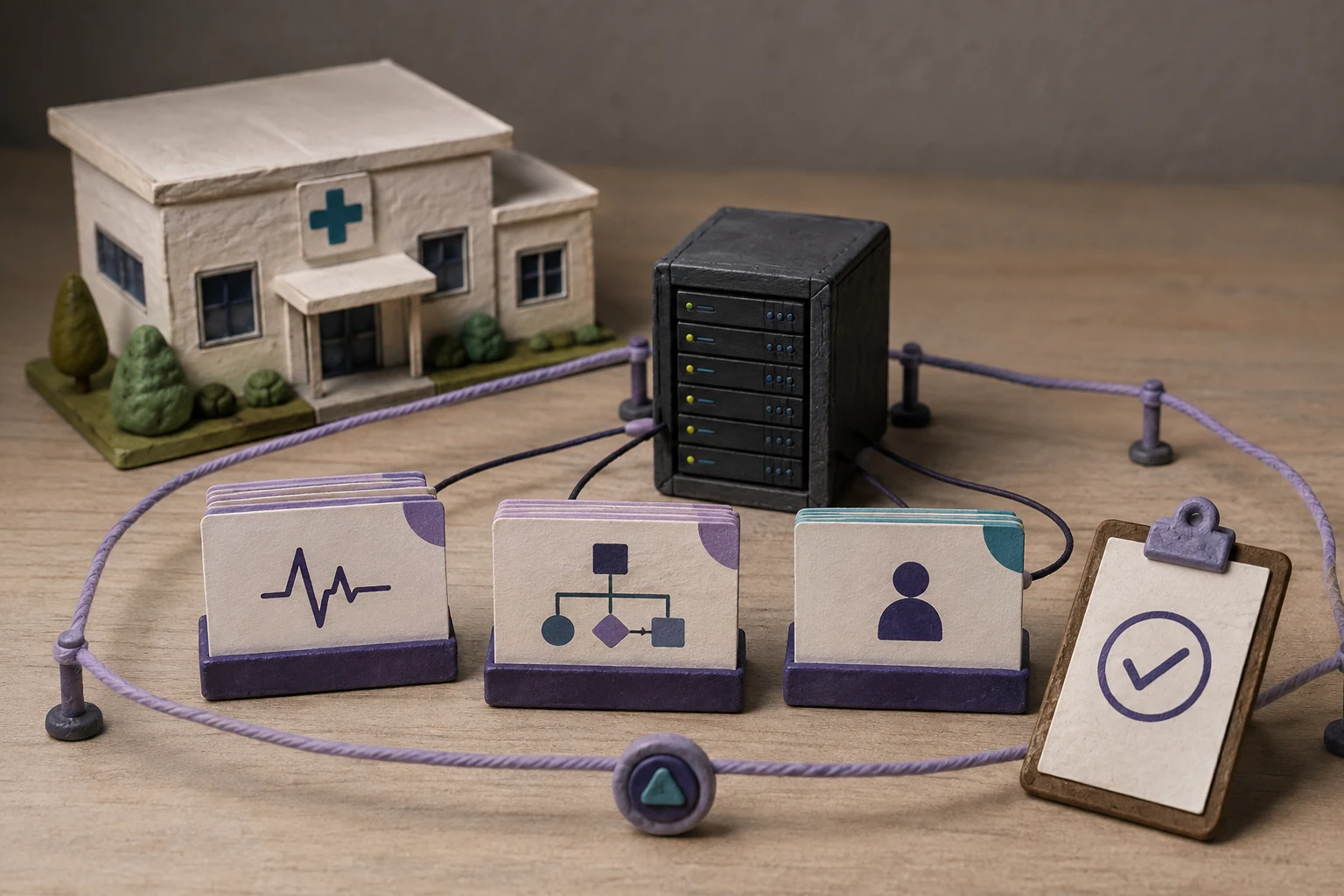
Healthcare teams create clinical briefings, quality and safety reviews, operating updates, staff training decks, research presentations, and patient-education materials from information that may be sensitive, time-bound, or subject to clinical and organizational controls. Private AI can help teams prepare these presentations inside an approved environment, but the complete workflow still needs data minimization, accountable review, and a clear distinction between drafting content and making a clinical decision.
Can healthcare teams create presentations with private AI?
Yes, when the team uses an approved source package, controlled model route, governed template, and named reviewer. A private workflow can turn clinical, operational, or training material into an editable presentation draft while keeping the working data inside infrastructure approved by the organization.
Private processing is a workflow and deployment choice, not a clinical-safety or regulatory determination. Users remain responsible for applicable privacy, security, records, accessibility, professional, and clinical controls. A generated deck should remain a reviewable draft until the responsible subject-matter owner checks its facts, context, audience, sources, and release permissions.
keep the source boundary narrow, make the reviewer visible, and separate presentation drafting from diagnosis, treatment, triage, or other decisions that require qualified professional judgment.
Where the workflow fits first
Start with a recurring presentation that has stable inputs, a clear owner, and an approval path. The best first use case is usually an internal communication task rather than an unconstrained assistant for every clinical question.
| Presentation type | Approved inputs | Review focus |
|---|---|---|
| Clinical and quality review | De-identified or authorized case summaries, quality measures, protocol updates, research notes, and source references. | Clinical accuracy, context, limitations, patient-identification risk, and the boundary between summary and recommendation. |
| Operations and service-line update | Period-locked capacity, staffing, throughput, scheduling, inventory, incident, and performance data. | Definitions, dates, calculations, operational caveats, access permissions, and action ownership. |
| Staff training and onboarding | Approved policies, procedures, competency material, checklists, and versioned learning objectives. | Current policy version, completeness, reading order, accessibility, assessment accuracy, and local escalation guidance. |
| Research or education presentation | Approved study material, evidence summaries, teaching notes, figures, and citation information. | Source fidelity, study limitations, attribution, audience level, and separation of evidence from interpretation. |
Keep patient-specific diagnosis, treatment selection, triage, and other high-impact clinical judgments outside the scope of a presentation-generation pilot unless the organization has separately approved the use case, controls, validation, and accountable oversight. A deck can help people communicate information; it should not be presented as the authority for care.
Map every healthcare data path
“The model runs privately” answers only one part of the review. Trace the source material through upload, extraction or OCR, retrieval, prompt construction, model inference, image and asset services, template storage, rendering, preview, export, logs, backups, support access, and final distribution.
| Workflow layer | Questions to answer before approval | Evidence to retain |
|---|---|---|
| Source material | Which patient, employee, research, facility, or operational fields may enter? Is the source minimized and authorized for this purpose? | Data classification, approved-source list, field mapping, and access decision. |
| Preparation | Where are extracted text, OCR results, calculations, embeddings, citations, and intermediate files created? | Data-flow diagram, service inventory, temporary-storage and deletion tests. |
| Model and assets | Which language, image, embedding, and rendering services receive content? Are local, private, or approved external routes documented? | Model and dependency allowlist, routing settings, region, retention, and support terms. |
| Output and distribution | Who can view, edit, export, download, share, restore, or delete the deck and its previews? | Role tests, audit events, link-expiration behavior, recipient rules, and release record. |
| Lifecycle | How long do drafts, source files, logs, backups, and exported PPTX/PDF files remain available? | Retention schedule, deletion evidence, backup handling, and incident process. |
Healthcare organizations may have different obligations depending on their role, jurisdiction, contracts, data type, and intended use. Use the organization’s privacy and security review to decide which information may be processed, under what authority, and with which safeguards. Do not treat a product label such as “private,” “local,” or “self-hosted” as evidence that every data path meets those requirements.
Choose a deployment pattern that the team can operate
Private AI can be implemented in more than one way. Select the least complex pattern that satisfies the data boundary and operational requirements, then document who owns the remaining work.
Self-hosting may increase control while moving responsibility to the healthcare organization. Before production, assign owners for model updates, dependency changes, vulnerability response, backups, deletion, access reviews, clinical content review, and user support.
A reviewable workflow from source to presentation
- Define the purpose and audience. State whether the deck is for an internal clinical review, operations meeting, staff training, research discussion, or approved external communication. Name the decision or action the audience should take.
- Approve and minimize the source set. Use only the documents and records needed for the presentation. Remove direct identifiers and unrelated notes when the workflow does not require them; retain source references and the reason for any exceptional access.
- Prepare grounded context. Lock reporting periods, units, definitions, protocol versions, study dates, and known limitations. Calculate material operational or clinical metrics outside the language model and pass the results with their sources.
- Generate inside the approved route. Use the selected local model, private endpoint, or approved provider with a versioned template and documented settings. Record the job, model route, template, source version, and output version.
- Review content and safety boundaries. A qualified owner checks facts, clinical meaning, dates, citations, omissions, patient-identification risk, unsupported recommendations, accessibility, and audience suitability. Treat instructions inside imported documents as source data, not workflow policy.
- Approve and export. Keep the PPTX editable for final corrections and use PDF only when a fixed-layout copy is needed. Record the approver, exceptions, recipients, retention rule, and approved delivery channel.
This sequence makes the human review loop explicit. It also gives platform and privacy teams evidence to inspect when a user asks what entered the workflow, which services processed it, who changed the deck, and how long the outputs remain available.
Clinical presentation controls
Clinical content needs more than a polished layout. The reviewer should be able to distinguish source facts, interpretation, open questions, and proposed next steps. The deck should not turn a partial record, provisional finding, or model-generated summary into an apparently settled clinical conclusion.
- Use an accountable clinical reviewer: assign a qualified owner who can challenge terminology, context, omissions, and claims for the intended audience.
- Preserve provenance: keep source references, dates, protocol or study versions, and any transformations applied before generation.
- Separate evidence from recommendation: label summaries, findings, hypotheses, and actions so the audience does not mistake one for another.
- Protect identity: minimize patient and staff details, review screenshots and notes, and inspect charts or examples for accidental identifiers.
- Escalate uncertainty: mark missing, conflicting, stale, or low-confidence information for human resolution rather than asking the model to fill the gap.
For training and education, check that the content reflects the current approved policy or protocol, includes the right escalation path, and does not suggest that a generated slide replaces supervision, competency assessment, or local clinical governance.
Operations and training presentations need different review gates
Operational decks often depend on numbers that change quickly. Training decks often depend on versioned policies and the learner’s context. Treat those as separate workflow types even when they use the same presentation platform.
| Workflow | What can go wrong | Useful gate |
|---|---|---|
| Operations | A stale denominator, mixed reporting period, wrong unit, missing exception, or polished chart hides an operational problem. | Reconcile metrics to the system of record, show period and definitions, and obtain an operations-owner sign-off. |
| Training | An outdated procedure, missing contraindication, unclear escalation route, or inaccessible slide teaches the wrong behavior. | Check version, completeness, accessibility, local policy ownership, learner level, and approval before release. |
| Clinical education | A source limitation disappears, a case detail becomes identifiable, or an interpretation is presented as established evidence. | Require subject-matter review, source and date checks, de-identification review, and clear evidence labeling. |
A single healthcare deployment can support all three workflows, but the acceptance criteria should remain visible. Reusing one generic prompt or reviewer role across clinical, operational, and training content makes the boundary harder to govern.
How Presenton can fit the workflow
Presenton Enterprise can serve as the presentation layer around an approved healthcare workflow. Its enterprise overview describes private cloud, VPC, on-premises, and air-gapped deployment options, editable PPTX and PDF output, administration, reusable PowerPoint templates and reference decks, and integration through the UI, REST API, or built-in MCP server. The documentation also describes self-hosting and configurable model-provider paths.
Those capabilities are useful when the surrounding workflow first controls what data the job may read, which model and asset services it may call, who can review the result, and how the output is retained. Validate the exact edition, configuration, connected services, identity model, network routes, and support boundary that your organization plans to operate.
For a first pilot, connect one approved source package to one versioned template and one accountable reviewer. Test the resulting PPTX in the tools the team already uses. The goal is a repeatable draft that is easy to inspect and edit, not an automated clinical authority.
What to test before expanding the pilot
Use representative but approved material, including a document with tables, a spreadsheet with period-sensitive metrics, a versioned policy or protocol, and a real presentation template. Test successful jobs and failure paths.
- Compare source coverage, factual corrections, unsupported claims, missing caveats, and reviewer time with the current manual process.
- Check that clinical, operations, and training users see only the source classes and workspaces assigned to them.
- Test a failed generation job, unavailable model, expired download, revoked user, deletion request, restored backup, and changed template.
- Inspect PPTX editability, chart values, slide order, fonts, reading order, notes, citations, and PDF export.
- Check that screenshots, previews, logs, backups, and support tools do not create an unreviewed copy of sensitive content.
- Measure approval turnaround, export success, privacy exceptions, accessibility fixes, and the number of decks that require substantive clinical or operational correction.
Keep a pilot decision record with the scope, evidence, open risks, owners, and next review date. Expand data classes and audiences only after the organization can explain the workflow and accept the remaining risk.
What private AI does not guarantee
Private AI can reduce exposure to unapproved external processing when the complete deployment is configured and operated within the intended boundary. It does not guarantee clinical accuracy, patient privacy, regulatory compliance, accessibility, suitability for a particular care setting, or freedom from unsupported content. It does not replace a qualified clinician, privacy or security review, records process, training owner, or final release authority.
Users remain responsible for applicable privacy, security, clinical, professional, records, accessibility, and organizational controls. Treat the generated deck as an editable draft whose acceptance depends on the workflow, data, jurisdiction, audience, and accountable reviewers.
Design a private healthcare presentation workflow
Bring one clinical review, operational update, or training deck. Map the source data, model route, template, identity model, reviewer, retention rule, and required output before expanding to more sensitive workflows.
Request a healthcare deployment discussionSources and next steps
Use primary references to validate both the product workflow and the organization’s healthcare controls:
- Presenton Enterprise overview — private deployment, editable output, templates, administration, integrations, and deployment-specific evaluation topics.
- Presenton enterprise presentation automation — API-oriented workflow concepts for structured inputs, templates, review, and approved output.
- Presenton documentation — self-hosting, model-provider configuration, UI and API workflows, and export behavior.
- HHS summary of the HIPAA Security Rule — a reference describing administrative, physical, and technical safeguard obligations for covered electronic protected health information; it is not a determination for a particular deployment.
- WHO guidance on ethics and governance of AI for health — principles and risks to consider when human well-being, autonomy, safety, and accountability matter.
Next, choose one recurring artifact, name the clinical or operational owner, document every data path, and run the pilot tests above. Then compare it with the AI data security checklist and the on-premise AI deployment guide.

Published on August 17, 2026



