How Defense and Critical-Infrastructure Teams Can Use Air-Gapped AI Presentation Workflows
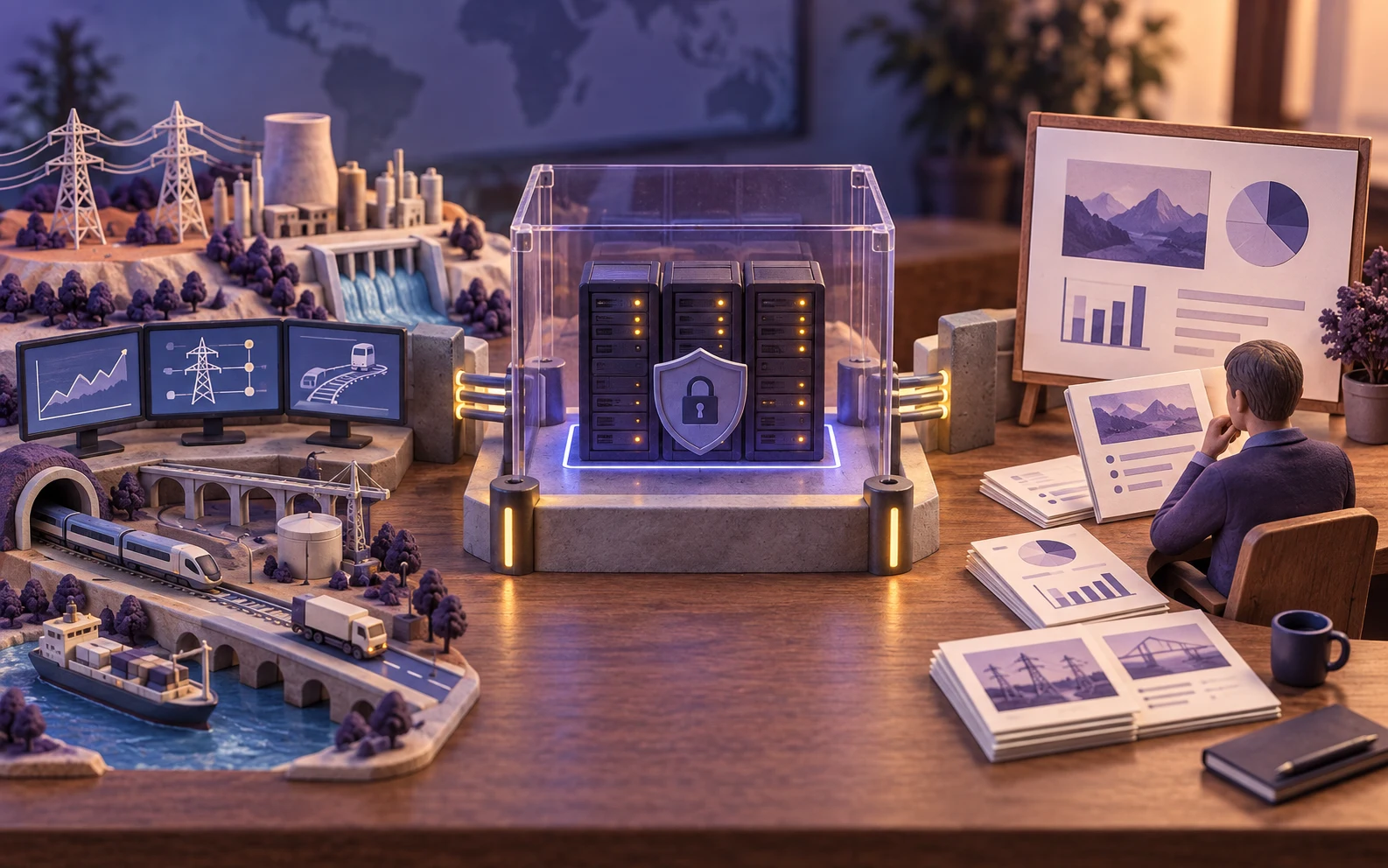
Defense and critical-infrastructure teams can evaluate air-gapped AI presentation workflows for approved briefing material, but an air gap is not a claim that a system is suitable for classified information. The workflow still needs controlled transfer, local dependencies, supply-chain discipline, validation, and mission-owner review.
Can defense and critical-infrastructure teams use air-gapped AI for presentations?
They can evaluate an air-gapped presentation workflow when the application, models, assets, storage, identity, update process, and human review are designed for a disconnected environment. An air gap reduces live network paths; it does not by itself establish suitability for classified systems, guarantee security, or make generated content accurate.
The responsible approach is to describe the architecture and evidence required, then let the mission owner, security authority, and platform team decide whether the exact deployment is permitted.
this guide discusses controlled-environment presentation architecture. It does not claim approval or suitability for classified systems or any particular mission.
An air gap is not the same as a security authorization
An air-gapped environment is intentionally isolated from untrusted networks, with governed procedures for importing software, models, assets, patches, and source material and exporting approved results. Classification, mission authorization, supply-chain requirements, operator controls, and accreditation are separate decisions.
Document the exact boundary. Ask whether removable media, maintenance laptops, update packages, model weights, fonts, images, logs, backups, and support processes can cross it. Treat every transfer as a controlled event with an owner, inspection step, record, and rollback or quarantine path.
Reference architecture for an air-gapped presentation workflow
A disconnected workflow may include an internal identity service, source intake station, malware and package inspection, job queue, local model serving, local image or asset library, template repository, presentation composer, renderer, review workstation, and controlled export station. Keep the components inside the boundary or document the approved exception.
- Prepare and inspect source material. Import only approved files through the defined transfer procedure and record their provenance.
- Authenticate and authorize. Apply mission, workspace, role, and need-to-know rules before a user can generate or retrieve a deck.
- Generate locally. Route prompts, retrieved context, images, and composition through approved local services and pinned versions.
- Review in the boundary. Verify facts, source references, visual content, audience, classification markings, and editable output.
- Export deliberately. Scan, approve, record, and transfer only the artifact and metadata permitted by the receiving environment.
Control the import and export path
Most air-gapped failures occur at the boundary rather than in the slide composer. Create a manifest for every imported package, including source, hash, version, license, inspection result, approver, and intended environment. Use a staging area for files that have not completed inspection.
For exports, define who can release a deck, which formats are allowed, whether speaker notes or hidden metadata must be removed, how the file is scanned, and where the transfer is recorded. Keep the editable PPTX and any PDF preview under the same release and retention policy until the mission owner approves distribution.
Plan models, packages, and updates as a supply chain
A disconnected system still depends on software and content arriving from somewhere. Pin application, model-serving, model-weight, renderer, font, image, container, operating-system, and driver versions. Scan packages before transfer, maintain an inventory and SBOM where required, and test updates in a separate environment before promotion.
Decide how the environment will handle a vulnerable package, a model regression, an expired certificate, a failed update, or a missing dependency. Keep a rollback or containment plan. Air-gapping changes the timing and mechanics of response; it does not remove the need for patching and vulnerability management.
Use cases that fit a controlled-environment pilot
Begin with a non-classified, approved workflow whose sources, audience, template, and release path are clear. Examples include internal maintenance briefings, logistics reviews, training material, policy or program updates, readiness summaries, and executive operational presentations.
Do not allow the tool to decide mission classification, operational authority, or release eligibility. Mark the boundaries in the workflow and require the responsible authority to approve the source set and final presentation.
Validate the exact deployment before mission use
- Data path: prove where source files, extracted text, prompts, intermediate assets, outputs, logs, and backups live.
- Identity: test least privilege, workspace isolation, account recovery, revocation, and administrator access.
- Content quality: use representative documents and check source coverage, unsupported claims, numbers, images, citations, and accessibility.
- Editable output: open PPTX files in the approved software and verify text, charts, images, fonts, notes, and metadata.
- Operations: simulate model unavailability, storage failure, corrupted packages, revoked access, backup restore, and emergency deletion.
- Release: test transfer inspection, approval records, retention, and rollback for both editable and rendered outputs.
Record the environment, versions, test data, reviewer rubric, results, and exceptions. A diagram or vendor label is not a substitute for evidence from the deployment that will actually operate.
Evaluating Presenton in a controlled environment
Presenton can be evaluated as the presentation application layer in a self-hosted disconnected architecture. The evaluation should use local models and assets where required, disable or replace external integrations, and confirm the exact edition, package, storage, identity, and export behavior approved by the organization.
Measure time to approved deck, factual corrections, layout fixes, editable-output quality, export reliability, operator effort, update effort, and boundary-test results. Keep the result qualified: an air-gapped application workflow is only as strong as the controls and operating procedures around it.
Presenton references and next steps
Review the Presenton enterprise overview, Presenton documentation, and API introduction. Pair them with the mission owner’s security, supply-chain, transfer, records, and release requirements.
Start with an approved non-classified pilot, map every dependency and transfer, and ask the responsible authority to decide whether the exact environment is permitted. Discuss controlled-environment deployment →
Evaluate an air-gapped presentation workflow carefully
Document the boundary, test the full data path, and keep mission approval with the responsible authority.
Discuss controlled-environment deployment →
Published on August 17, 2026



