Air-Gapped Presenton: Generate Presentations Entirely Inside Your Network
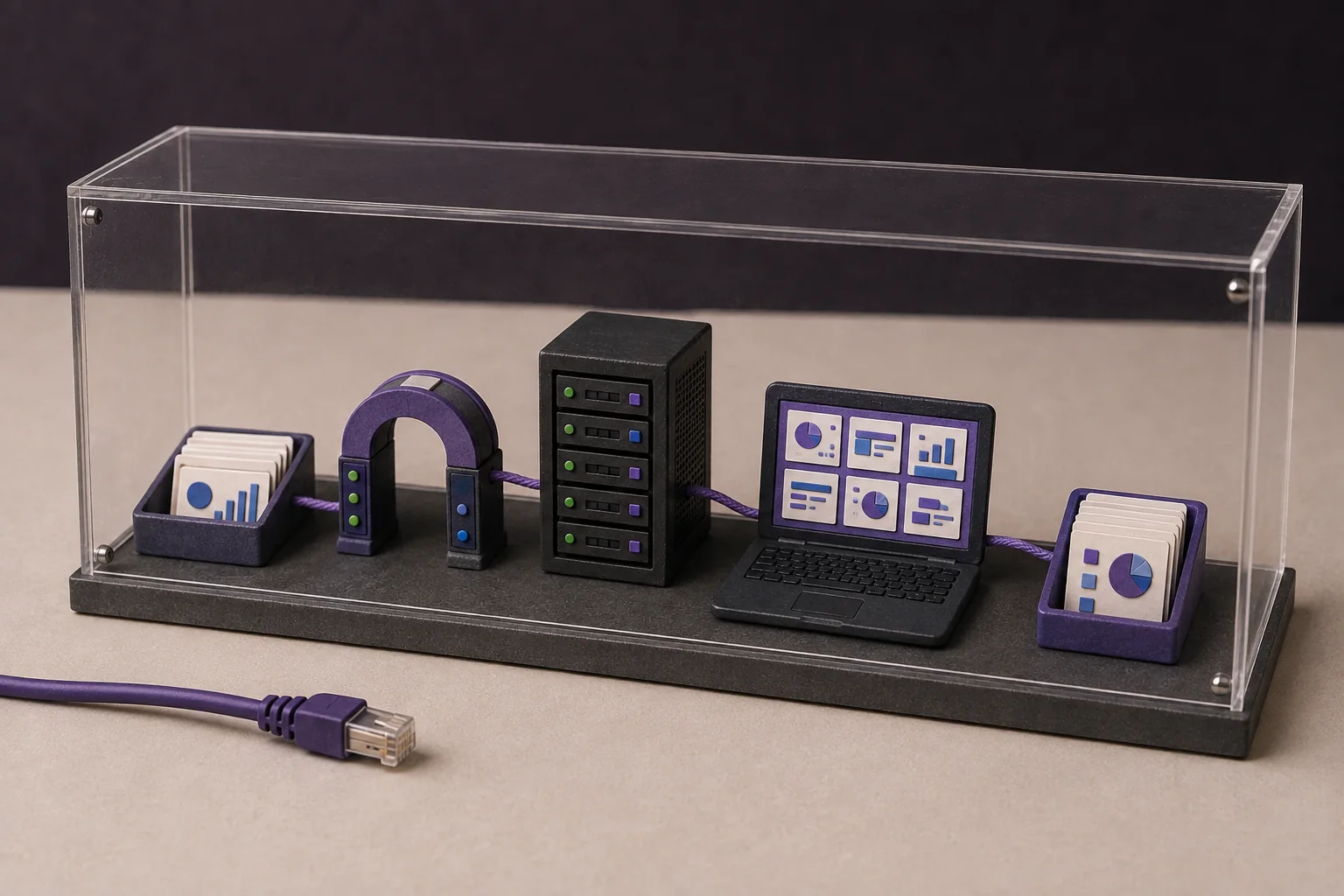
This guide shows a practical air-gapped Presenton Enterprise workflow: source files enter through an approved path, a local model such as SGLang produces the outline and slide content, ComfyUI or internal assets provide visuals, teams review the deck in controlled workspaces, and editable PPTX or PDF files are exported without a live public-internet dependency.
What does an air-gapped Presenton workflow mean?
An air-gapped AI presentation workflow runs without a live path to the public internet. The Presenton application, text model, image workflow, source files, templates, fonts, generated assets, storage, review, and export tools must all operate inside the approved boundary.
Self-hosted is not automatically air-gapped. A deployment is only air-gapped after external model calls, web search, stock-image services, telemetry, remote fonts, package downloads, and other runtime dependencies are disabled or replaced and the complete workflow passes an egress-denied test.
block outbound traffic before acceptance testing, then upload a source file, generate and revise a deck, create or select visuals, and export PPTX and PDF. Any failed step exposes a hidden online dependency.
A clean reference architecture
Presenton sits at the center of the workflow. Users reach the application through an internal address. Presenton sends text-generation requests to a local model server, sends optional image prompts to a local image service, and writes files to persistent storage. Only an approved transfer process crosses the boundary.
| Layer | Practical component | Boundary rule |
|---|---|---|
| User access | Internal load balancer and Presenton accounts | No public sign-in dependency |
| Application | Self-hosted Presenton | Reachable only on approved internal networks |
| Text generation | SGLang, Ollama, LM Studio, or another compatible local server | Model weights and runtime are pre-staged |
| Model gateway | Optional internal API gateway such as APISIX | Authenticate, limit, route, and log requests without storing prompt bodies by default |
| Image generation | ComfyUI with an approved local model, or a local asset library | No fallback to an external image provider |
| Persistence | Durable /app_data plus an optional external database | Uploads, assets, templates, exports, settings, and auth state remain protected |
| Transfer | Governed import/export station or approved removable media | Scan, authorize, hash, record, and re-scan each movement |
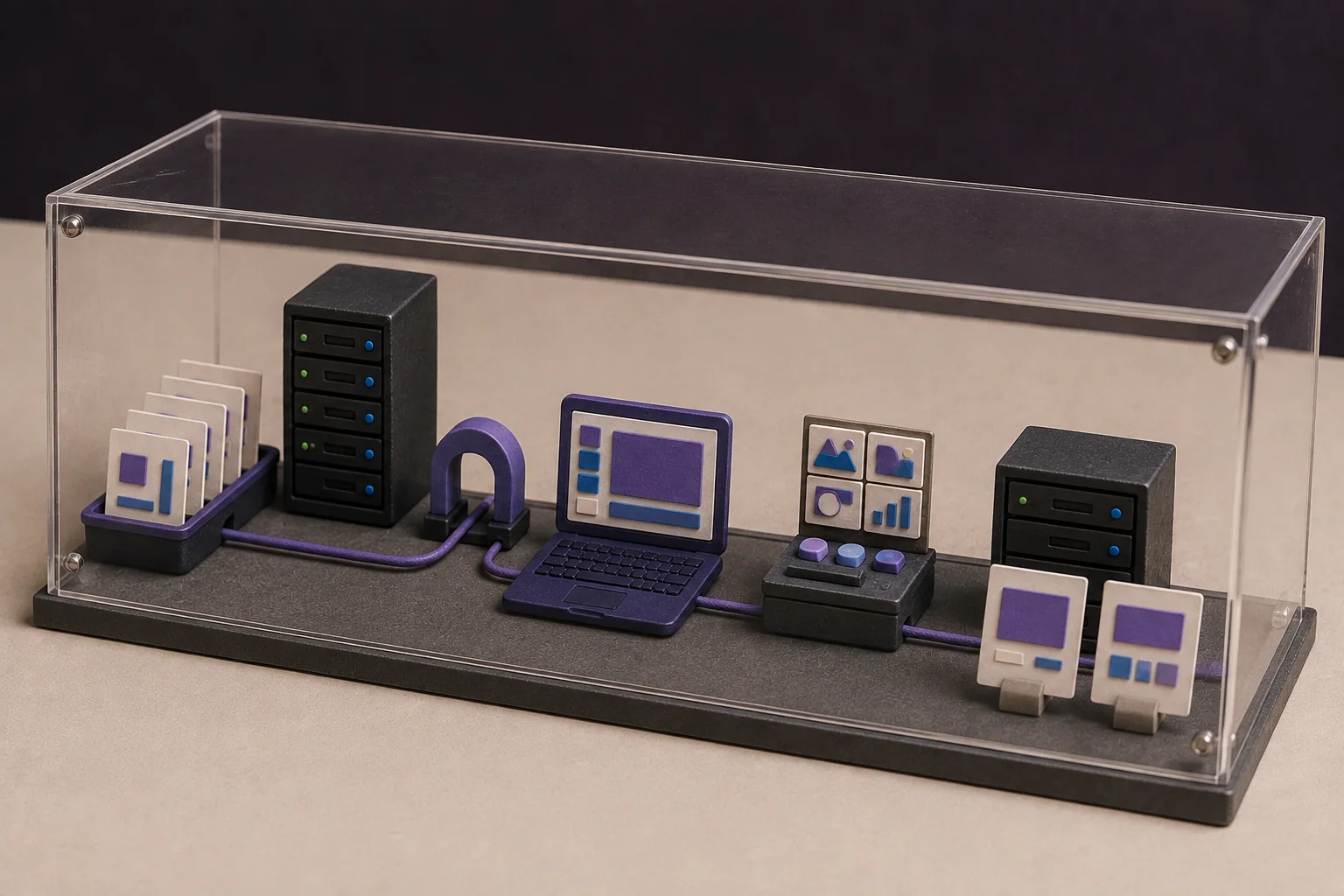
Local text generation: SGLang behind an internal gateway
Presenton supports a custom OpenAI-compatible text provider. SGLang is one possible local serving engine because it exposes OpenAI-compatible APIs; it is an example, not a required dependency.
In this pattern, SGLang listens only on an internal interface. Presenton uses the gateway's private base URL and model identifier. APISIX can provide routing, authentication, request limits, observability, and policy enforcement before forwarding the request to SGLang.
A gateway is optional. Presenton can connect directly to a compatible endpoint when the organization can secure and operate it appropriately. The model should be chosen through a repeatable presentation benchmark covering source fidelity, structured output, latency, concurrency, failure recovery, license terms, and time to an approved editable deck.
- Pre-stage the approved model weights, tokenizer, runtime, GPU drivers, and configuration.
- Send only the source material needed for the requested deck.
- Reject malformed output and require review of important claims and calculations.
- Re-run the benchmark after changing the model, prompt, quantization, runtime, or hardware.
See Presenton's text-provider configuration, SGLang's OpenAI-compatible API documentation, and the local-model presentation benchmark.
Local visuals: ComfyUI or approved internal assets
Keeping the language model local is not enough if slide visuals still come from a public image service. Presenton documents a ComfyUI integration for local or hosted image workflows using models such as FLUX, Stable Diffusion, or SDXL.
The documented setup is specific: build and test a ComfyUI workflow, rename the positive prompt node to Input Prompt, export the API workflow, and configure Presenton with the reachable internal ComfyUI URL and exported JSON. Then confirm that ComfyUI receives the job, uses the injected prompt, produces an output image, and allows Presenton to retrieve it.
Restrict ComfyUI to the internal network. If image generation is unnecessary, disable it and use approved fonts, icons, templates, and visual assets stored inside the boundary. See the official Presenton ComfyUI guide.
How the complete offline workflow runs
- A user provides approved source material. The user enters a prompt or uploads a supported report, PDF, document, spreadsheet, presentation, text file, or image through the internal Presenton instance.
- Presenton extracts and organizes the content. Document processing runs inside the deployment. Extracted text and generated assets remain in persistent application storage.
- The local model creates an outline. Presenton sends the minimum required context to the internal model endpoint. The user reviews the proposed structure before slide generation.
- Presenton generates slide content. The local model returns titles, summaries, comparisons, tables, and other structured content through the same private route.
- Visuals remain local. Presenton sends image prompts to the internal ComfyUI workflow, uses approved local assets, or runs with image generation disabled.
- Presenton applies the design. Content and visuals are mapped into an approved template or design workflow using locally available fonts and rendering dependencies.
- Authorized users review the deck. Users work in their private Presenton workspaces, correct claims, adjust layouts, and verify charts, sources, branding, and accessibility.
- The presentation is exported locally. Export PPTX for continued editing or PDF for fixed-layout delivery. Move a finished file outside the boundary only through the approved transfer process.
This sequence follows Presenton's documented flow from source material to outline, generation, editing, and export. The air gap changes where each service runs; it does not remove the need for review.
Storage, access, and operations
Current self-hosted Presenton stores presentations, uploads, generated assets, templates, exports, settings, authentication state, and the default SQLite database in /app_data. Keep that path on durable storage and back it up. PostgreSQL or MySQL can hold application records, but /app_data still needs persistence.
Presenton's public self-hosted documentation describes local user accounts, private user workspaces, administrator-managed users, and admin-generated API keys for REST and MCP access. Treat enterprise SSO, external identity integration, and provisioning as deployment-specific capabilities that must be confirmed and tested rather than assumed.
- Disable anonymous telemetry when required, and separately verify that no hosted text, image, search, or document provider is configured.
- Keep logs local and avoid capturing full prompts, source documents, credentials, download links, or generated slides by default.
- Back up
/app_dataand any external database, then test restoration in a separate instance. - Mirror container images, packages, models, fonts, templates, browser components, and malware definitions before isolation.
- Promote signed, scanned, versioned updates through staging before production.
Acceptance test: prove the whole workflow
| Test | Pass evidence |
|---|---|
| External egress denied | Login, upload, generation, image handling, editing, and export all succeed |
| Local dependencies complete | Versioned inventory covers application, models, packages, fonts, templates, and renderers |
| Access enforced | Allowed and denied tests for users, workspaces, administrators, and API keys |
| Claims reviewable | Reviewers can trace important statements to the approved source pack |
| Export usable | PPTX remains editable and PDF preserves the approved layout |
| Recovery works | Restore test recreates the application, presentation records, files, templates, and settings |
| Transfer governed | Authorization, hashes, scan results, chain of custody, and receiving-side checks are retained |
An air gap reduces live external connectivity. It does not certify the application, make generated content automatically accurate, or replace identity, patching, supply-chain security, backups, monitoring, and human review.
Where Presenton fits
Presenton provides the presentation layer: source ingestion, outline and slide generation, templates, editing, user workspaces, API automation, and PPTX/PDF export. The organization supplies and validates the surrounding air-gapped environment, local providers, storage, network controls, transfer process, operating model, and evidence.
A useful pilot starts with one representative source pack and one approved template. Measure factual corrections, unsupported claims, layout cleanup, export fidelity, reviewer time, model latency, failed jobs, recovery, and the offline update process. Do not declare readiness until the exact production-shaped workflow passes with egress denied.
A complete in-house presentation platform
An air gap controls network access; it does not by itself provide the presentation experience around the model. Presenton Enterprise adds the application UI, template and brand workflows, controlled workspaces, automation, and editable delivery while the organization chooses where models, storage, identity, and integrations run.
| Enterprise capability | What it means in an air-gapped workflow |
|---|---|
| Deployment choice | Run in a customer cloud, VPC, on-premises environment, or air-gapped network. |
| Brand and design | Use existing PPTX templates and reference decks to preserve layouts, fonts, and visual language. |
| Team collaboration | Use team management, role-based permissions, and workspace isolation to govern creators, reviewers, and administrators. |
| Security and governance | Use deployment-appropriate SSO/OAuth/JWT, auditability, secure credential management, private storage, restricted connectivity, and customer-controlled retention. |
| Automation | Connect the application UI, Presentation API, built-in MCP server, internal tools, reports, and data pipelines. |
| Delivery | Export editable, high-fidelity PPTX for continued editing and PDF for sharing or archiving. |
SGLang and ComfyUI are useful examples of local text and image components, not requirements. An enterprise can substitute another approved OpenAI-compatible model server, private image service, local asset library, or no AI image generation at all. Confirm exact enterprise controls for the edition and deployment you will operate.
Examples: local models in real enterprise workflows
The same private platform can support different teams without changing the air-gap principle. Keep the source pack, model route, reviewer, and output policy explicit for every use case.
| Example | Local workflow | Enterprise outcome |
|---|---|---|
| Board or finance pack | Approved PDF and XLSX enter Presenton; a local LLM drafts the narrative; finance reviewers check values in a private workspace. | Traceable, on-brand PPTX and PDF with controlled access and retention. |
| Customer proposal | An approved CRM extract and PPTX template are submitted through an internal API or MCP workflow; a creator drafts and a reviewer approves. | Repeatable proposal production without sending customer context to a public AI service. |
| Incident or training deck | Internal DOCX/PDF files use a local LLM; ComfyUI or an approved asset library supplies visuals; the team reviews before export. | Private, reusable presentations with local assets and a documented approval trail. |
Authoritative sources and next steps
- Presenton Enterprise overview - deployment, identity, private storage, access control, templates, API, MCP, collaboration, and editable output capabilities.
- Presenton security overview - identity integration, role-based access, auditability, private networking, retention, and deployment-specific validation.
- How Presenton works - source-to-outline, generation, editing, and PPTX/PDF workflow.
- Presenton text providers - Ollama, LM Studio, gateways, and custom OpenAI-compatible endpoints.
- Presenton ComfyUI configuration - internal endpoint and API-workflow requirements.
- Presenton storage and processing - persistent
/app_data, databases, parsing, memory, and telemetry. - Presenton authentication - local users, private workspaces, administrators, and API keys.
- Presenton export guide - editable PPTX and fixed-layout PDF export.
- Archived Presenton presentation export API - the requested historical API reference.
- SGLang OpenAI-compatible API and Apache APISIX - example local serving and gateway components.
- NVIDIA NIM air-gap deployment, Red Hat disconnected environments, and NIST SP 800-204D - offline assets, mirroring, and software-supply-chain controls.
Evaluate a production-shaped air-gapped workflow
Bring one real source pack, an approved template, your local-model endpoint, image policy, storage design, transfer rules, and acceptance criteria. The Presenton team can help map the application workflow to the environment you will operate.
Discuss your workflow

Published on August 17, 2026



