Generate Client Reports With AI Without Sending Data Outside Your Network
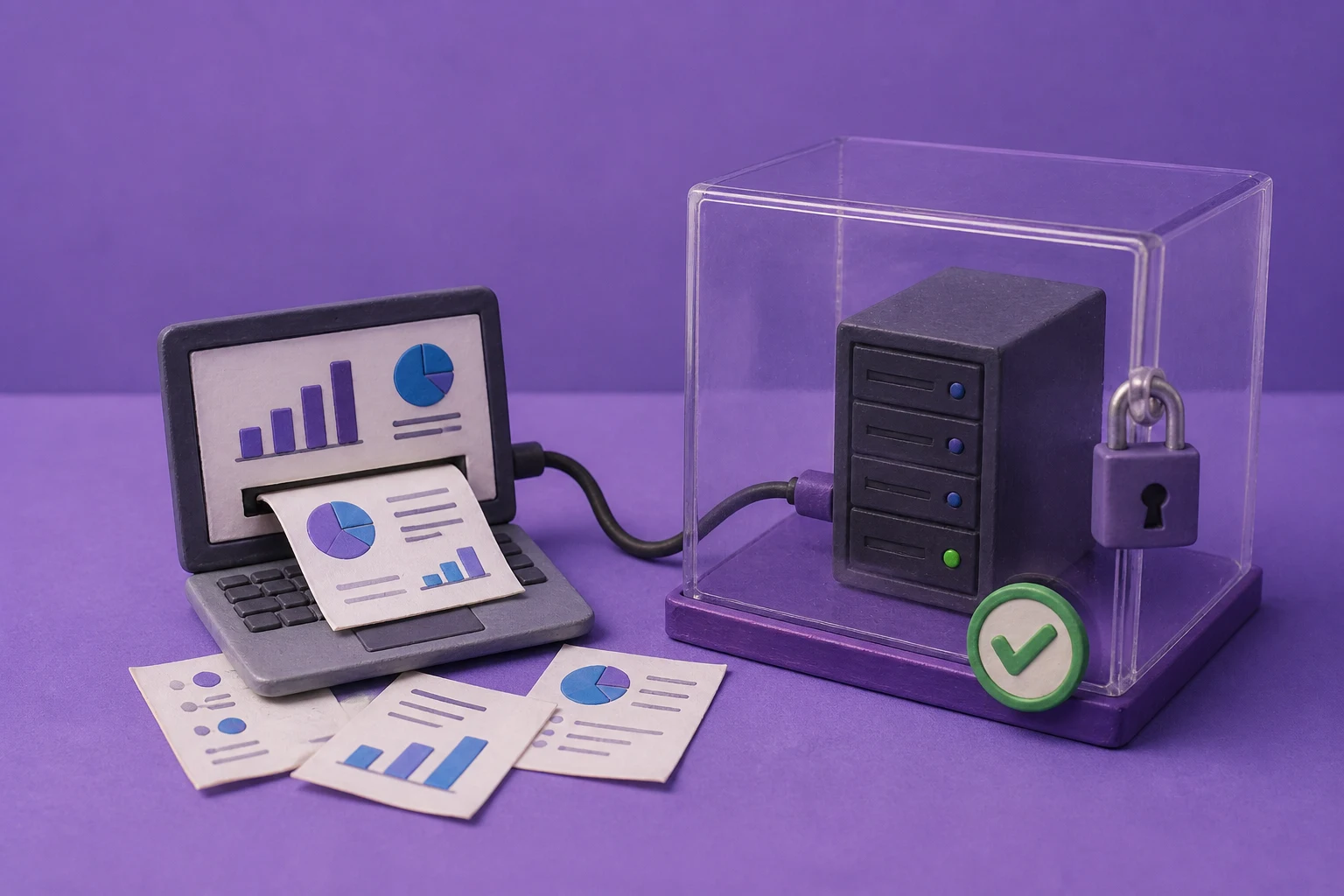
Teams can generate client reports with AI privately by keeping source files, prompts, model processing, templates, intermediate assets, and presentation output inside an approved data boundary. The strongest workflow automates collection and drafting while preserving human review, editable PowerPoint output, and a clear approval trail.
Can you generate client reports with AI without sending data outside your network?
Yes, but privacy is an architecture property rather than a feature label. A controlled workflow can collect approved CRM records, spreadsheets, dashboards, documents, research, and analyst commentary; validate the inputs; generate a draft through a local model, private endpoint, or approved provider; and produce an editable client presentation inside infrastructure your organization governs.
Running the application in a private network does not automatically keep every request private. A workflow may still send content to a language model, image service, search provider, font host, analytics endpoint, object store, backup system, or support channel. Inventory every dependency, decide what may receive each data class, and test that the deployed configuration follows the approved route.
keep the data boundary visible from source to final deck. If the team cannot explain where client data moves at every stage, the workflow is not ready for production or client disclosure.
Why private AI matters for client reporting
Client reports often combine commercially sensitive information: account plans, pipeline values, campaign performance, product usage, renewal risk, project status, pricing, strategic recommendations, interview notes, and customer names. Sending that combined context to an unapproved public AI tool can create confidentiality, contractual, residency, retention, or competitive risk.
A private client-report workflow gives the organization more control over which users and service accounts can submit data, which models and regions may process it, where extracted text and generated files are stored, how long drafts and logs remain available, which templates and integrations are permitted, and who reviews, approves, distributes, and deletes the final report.
Private processing reduces exposure and improves governance, but it does not make the output automatically accurate. The business owner still needs to validate numbers, claims, period comparisons, recommendations, and client-facing language.
A complete private AI client-report workflow
Treat client reporting as a controlled document workflow rather than a single prompt. These stages make the responsibilities and control points explicit.
- Define the report contractDocument the audience, purpose, reporting period, required sections, approved sources, prohibited content, template, output formats, reviewer, deadline, and delivery channel.
- Collect only authorized inputsPull the minimum records, documents, metrics, notes, and source links required. Apply user, account, project, tenant, and document permissions before extraction.
- Validate and normalize the dataCheck periods, units, currency, labels, missing values, duplicates, ownership, definitions, and freshness. Reconcile totals against the system of record rather than asking a model to guess.
- Prepare source-grounded contextSeparate facts, calculations, observations, recommendations, and unresolved questions. Attach source identifiers, page or record references, periods, and timestamps to material inputs.
- Create the generation jobPass the approved brief, normalized data, source context, template requirements, and output rules to the application. Use a job ID, idempotency key, tenant context, and versioned instructions.
- Route processing through approved infrastructureSend the minimum necessary context to a local model, private endpoint, or approved provider. Record model, application, template, and configuration versions without putting sensitive content into broad logs.
- Compose an editable presentationGenerate slide structure, narrative, tables, charts, notes, and visual guidance using the approved PowerPoint template. Prefer native editable objects over screenshots.
- Run structural and visual checksCheck slide count, missing sections, overflow, unreadable text, chart labels, source references, fonts, images, page order, export success, and template fidelity.
- Review and approveHave a human owner verify every material number, claim, comparison, customer reference, recommendation, and visual implication. Record corrections and approval status.
- Deliver and clean upPublish only the approved PPTX or PDF through the intended client channel. Apply access, expiration, retention, deletion, and backup rules to sources, drafts, logs, and final artifacts.
What stays inside the private reporting boundary?
Map the workflow as controlled components. The application, language model, image service, storage, identity system, and delivery channel may have different data paths and owners.
Control: authorize records and fields before extraction; preserve source version and reporting period.
Control: reject malformed inputs, keep lineage, and separate calculated values from generated narrative.
Control: use an approved route, minimize context, and control logging.
Control: use approved assets, pin versions, and restrict external retrieval when required.
Control: define storage, encryption, access, retention, deletion, and sharing for every artifact.
Control: separate draft access from permission to publish and preserve approval evidence.
For stricter requirements, start with the on-premise AI presentation architecture guide.
Design the input package before you automate
Most reporting errors begin before generation. A reliable input package gives the model and reviewer the same facts, definitions, and boundaries.
This prevents mixing reporting periods, presenting a rate without its denominator, treating a forecast as an actual, or turning an analyst hypothesis into an unsupported client claim.
Client-report use cases that fit private AI
The best first use case is recurring, evidence-based, and easy to review. It should have stable inputs, an existing template, a known owner, and a clear definition of done.
Do not begin with disputed data, undocumented business logic, or an output that can trigger an irreversible decision without expert review.
What instructions should a private reporting workflow use?
A production prompt should describe the job and its constraints, not ask the model to invent a report from an unstructured folder. Give it the report purpose, audience, tone, period, required sections, approved facts and calculations, source references, permitted comparisons, chart rules, template requirements, excluded content, and behavior for missing or conflicting data.
when evidence is missing, create a visible review flag or leave the section unresolved. Do not fill a gap with a plausible number, invented benchmark, or confident explanation.
How to keep AI-generated client reports accurate
Separate calculations from narrative
Calculate metrics in the data layer or approved reporting system. Pass validated results to the presentation workflow, then use AI to structure and explain them.
Require traceable sources
Keep a source identifier, reporting period, owner, and timestamp for each material input. Reviewers should trace a number or claim to its approved source without searching through a model conversation.
Constrain claims and comparisons
Define which conclusions may be drafted, which comparisons require a baseline, and which language is prohibited. Missing evidence should create a review flag.
Review visual encoding
Check chart type, axis scale, labels, units, denominators, periods, colors, annotations, and accessibility. A correct number can still be misleading when visually encoded poorly.
Keep the deck editable
Editable PPTX output lets analysts correct wording, figures, charts, and emphasis without rebuilding the report from screenshots.
Security controls to review before using client data
- Data minimization: include only fields and documents required for the report.
- Identity and access: separate creators, reviewers, administrators, service accounts, and recipients.
- Tenant isolation: prevent one account’s files, prompts, templates, logs, or outputs from reaching another.
- Model routing: control language, image, search, and embedding providers for each data class.
- Network egress: identify APIs, fonts, images, telemetry, updates, backups, and support connections.
- Secrets: keep provider credentials and download tokens in an approved secrets system.
- Retention and deletion: define rules for inputs, parsed text, intermediate assets, logs, exports, caches, and backups.
- Auditability: record job status, source set, model route, template version, reviewer, approval, and export where required.
- Output handling: treat generated presentations as sensitive until approved and delivered.
- Incident response: decide how to stop a workflow, revoke access, investigate exposure, and notify owners.
Use the 20-question enterprise AI presentation checklist to document the review.
How to launch a private client-report pilot
- Choose one report and ownerUse a recurring deck with a stable audience, deadline, approved template, and accountable owner.
- Draw current and proposed data flowsShow every source, transformation, model, store, dependency, reviewer, and destination.
- Create a representative test setInclude normal inputs, missing data, conflicts, long documents, unusual charts, stale records, and excluded content.
- Define acceptance criteriaSet thresholds for factual corrections, chart defects, template fidelity, processing time, review time, exports, and security exceptions.
- Run in shadow modeGenerate alongside the existing process. Do not send the draft to a client until approved.
- Test failure and deletionVerify retries, unauthorized access, expired links, provider errors, partial outputs, deletion requests, and backups.
- Decide using outcomesCompare total preparation time, correction rate, review burden, consistency, security findings, and completed reports—not only generation speed.
Metrics that show whether the workflow is working
How Presenton supports private client-report generation
Presenton can fit a private client-report workflow by generating presentations from prompts or uploaded documents through its interface or API, applying reusable PowerPoint templates, connecting to supported hosted or local models, and exporting editable PPTX and PDF files. This creates a reviewable presentation artifact inside a broader controlled reporting pipeline.
The production design still needs explicit decisions about deployment, storage, model endpoints, identity, network access, template governance, source validation, logging, retention, and human approval. Validate the exact data paths and controls in the configuration your organization plans to operate. Review what private AI presentation generation means before choosing the boundary.
Design a private client-report workflow with Presenton
Bring one recurring report, its source systems, data classification, existing PowerPoint template, intended model route, and approval process. A good pilot maps the complete path from input to editable deck and measures both quality and operating effort.
Discuss your workflowHow to keep private AI client reports accurate
Client reporting works best when calculations happen before generation. Pull approved numbers from the system of record, lock the reporting period, and pass the model a prepared data set with labels, units, definitions, and source references. Do not ask an AI system to infer a financial baseline from a collection of loosely formatted files.
The reporting brief should also define what the deck is for. A client status report, executive QBR, investment update, and internal operating review need different levels of detail and different approval paths. Specify the audience, required sections, claims that must be supported, visual conventions, template, and delivery channel before the generation job starts.
Measure the pilot with business and quality metrics: time saved per report, number of factual corrections, number of layout corrections, reviewer workload, successful exports, and approval turnaround. Keep a human owner for the final deck. Private processing reduces data exposure, but it does not replace judgment about accuracy, confidentiality, or client communication.
Using Presenton for private client-report production
Presenton can fit a client-report workflow when the team prepares an approved source package, selects a repeatable template, generates a draft, and keeps a reviewer responsible for the final message. Start with the system-of-record numbers and source references; let the presentation workflow handle structure and communication, not unverified calculations.
For a pilot, compare one manually produced report with a Presenton-assisted report across preparation time, factual corrections, layout corrections, reviewer minutes, export quality, and approval turnaround. Keep the client data boundary and retention rules explicit, especially when the workflow includes model, image, storage, or support dependencies.
Presenton references and next steps
The product details in this guide are grounded in Presenton’s current public documentation and enterprise overview. Presenton documents a template-based workflow, REST API generation and editing, editable PPTX/PDF export, configurable model providers, and self-hosted deployment options. Deployment-specific controls should still be confirmed for the configuration your organization will operate.
- Presenton enterprise overview — deployment, identity, storage, templates, API, and enterprise workflow capabilities.
- Presenton documentation — product setup, self-hosting, supported providers, and generation workflow.
- Presenton API introduction — template-based generation, editing, export, and application integration.
For the best internal-link path, continue to the related enterprise guide above, review the enterprise evaluation checklist, and then Discuss your workflow with the Presenton team.


Published on August 17, 2026



