How Consulting Firms Can Generate Client-Ready Decks With AI Without Data Leakage
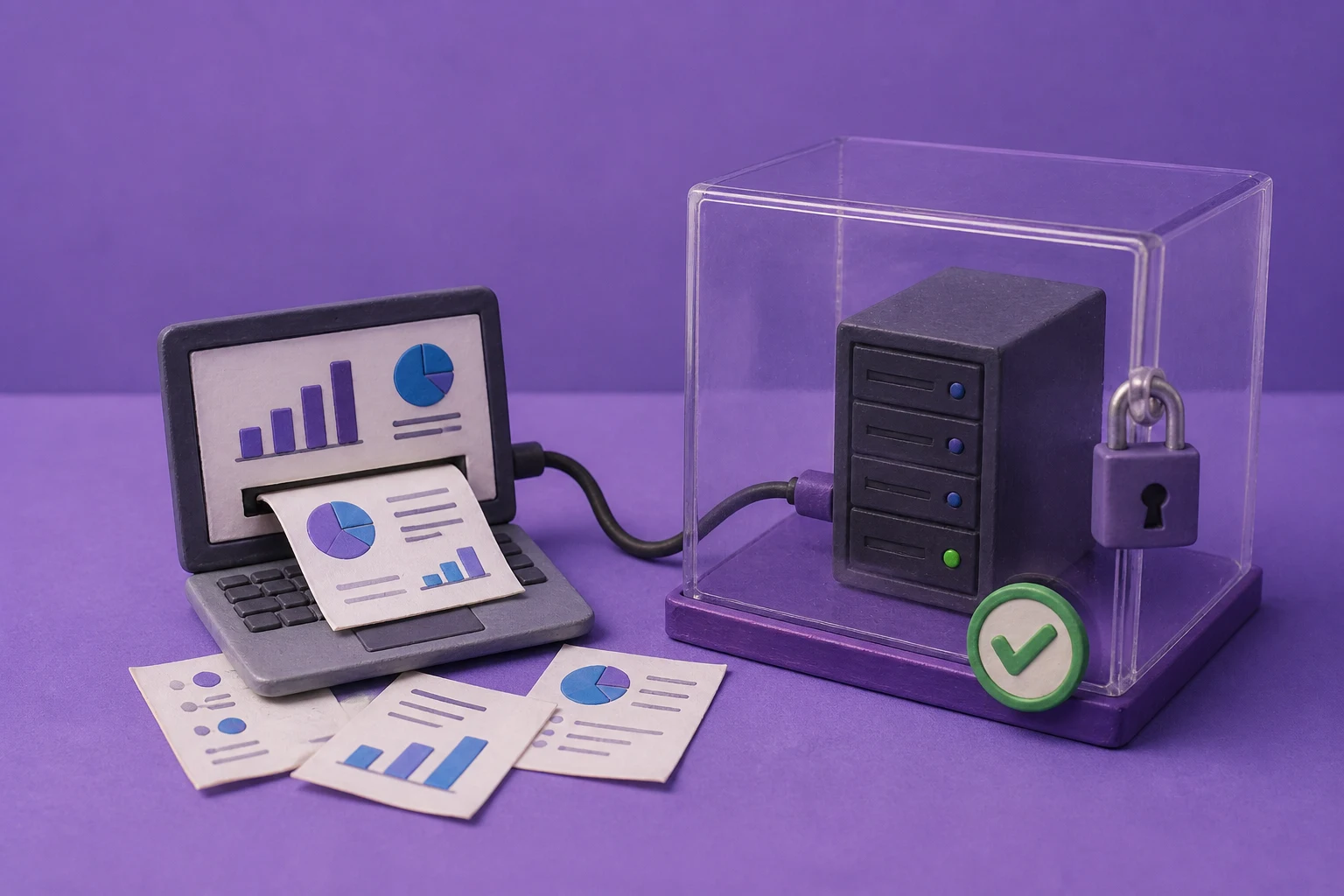
Consulting firms can use private AI to turn approved client material into proposals, diagnostics, workshops, and status-report decks without routing the working set through an unapproved public AI tool. The practical pattern is a controlled workflow: minimize the source package, use an approved model route, apply a governed firm template, review every material claim, and release only the approved editable output.
Can consulting firms use private AI to create client-ready decks?
Yes, when the firm defines which client material may enter the workflow, routes it through approved infrastructure, applies a governed presentation template, and keeps a named consultant responsible for the final deck. Private AI can reduce uncontrolled transfers, but it does not make a workflow leak-proof or remove confidentiality, contract, professional, or client-approval obligations.
The practical goal is a repeatable path from approved client context to an editable presentation draft. The workflow should make source files, extracted text, prompts, model endpoints, images, templates, exports, logs, and support access visible enough for the firm and its client to review.
treat the generated presentation as confidential working material until the engagement owner verifies the claims, permissions, audience, and release path.
Consulting workflows that fit private AI first
Start with a recurring artifact that has stable inputs, a reusable template, and a clear review owner. Different deliverables need different source controls and review questions.
| Deck type | Typical approved inputs | Review focus |
|---|---|---|
| Proposal or pursuit deck | Approved opportunity brief, firm credentials, public research, scope assumptions, and reusable proposal sections. | Client-specific claims, conflicts, pricing, commitments, and separation of facts from hypotheses. |
| Diagnostic or assessment | Interview notes, workshop outputs, process maps, benchmark data, and client-approved findings. | Evidence traceability, attribution, sensitive observations, and whether recommendations are framed as options. |
| Workshop or steering session | Agenda, pre-read material, decisions, open questions, and prior actions. | Participant context, decision rights, action ownership, and removal of unresolved internal notes. |
| Status or transformation report | Validated milestones, risks, dependencies, budget context, decisions, and delivery metrics. | Reporting period, numbers, exceptions, escalation language, and the intended recipient list. |
Do not start with an unrestricted assistant that can search every engagement folder. Give the workflow a narrow source package, a purpose, an audience, and an output policy.
Map the client-data boundary before calling the workflow private
Client confidentiality can be affected by more than the main language model. Trace each object and service from intake to approved delivery, including temporary files and operational support paths.
| Workflow layer | Questions for the firm and client |
|---|---|
| Source intake | Which files, notes, spreadsheets, and systems may be used? Who approved them, and what engagement or client restrictions apply? |
| Preparation | Where are text extraction, OCR, calculations, embeddings, prompts, and intermediate summaries created and retained? |
| Model and assets | Which text, image, search, font, and rendering services receive data? Are local, private, or approved provider routes documented? |
| Storage and access | Can engagement teams separate clients, roles, service accounts, reviewers, administrators, and support personnel? |
| Delivery and deletion | Who may download or share the PPTX/PDF? How are drafts, previews, logs, backups, and links retained and deleted? |
A local model does not answer all of these questions. A workflow can still expose information through a shared storage bucket, an image service, a preview URL, telemetry, a backup, or an over-broad support role.
Preserve firm templates without freezing professional judgment
Firm templates encode more than colors and logos. They may define the order of an executive summary, the treatment of client evidence, the visual language for risks, the style of recommendations, and the space reserved for partner review.
Version the reference deck and its supporting assets. Record who approved a template, which engagements may use it, which fonts and icons are permitted, and what changed between versions. Test the template with long titles, dense tables, charts, citations, confidential footnotes, and accessibility requirements before making it a default.
The template should guide composition, not make the recommendation. A consultant or engagement lead still decides whether a claim is supportable, whether a chart is fair, and whether a slide belongs in the client conversation.
A controlled workflow from client material to editable deck
- Define the engagement artifactState the purpose, audience, meeting date, source set, template, required sections, delivery channel, and approval owner.
- Approve and minimize the inputsUse only material permitted for the engagement and remove unrelated client records, credentials, personal data, and internal notes.
- Prepare grounded contextPreserve reporting periods, units, definitions, source references, and confidence or limitation notes. Calculate material numbers outside the model.
- Generate a structured draftUse the approved model route and reference deck. Record the job, template version, model version, and output format.
- Review the story and evidenceHave the engagement team check facts, client language, recommendations, attribution, confidentiality, and audience fit.
- Approve, export, and releaseKeep the PPTX editable for final refinement. Create a PDF or controlled link only after the release owner approves recipients and content.
- Retain the evidenceStore the source version, reviewer, approval event, final artifact, and deletion decision according to the engagement and firm policy.
This workflow keeps AI in a drafting and composition role while preserving the human responsibilities that make consulting advice trustworthy.
Quality checks for client-ready consulting decks
Separate calculations from narrative
Use an approved data or reporting system for material calculations. Pass validated results with labels, units, periods, and source references instead of asking the model to infer a baseline from loosely formatted files.
Distinguish evidence from interpretation
Mark observations, hypotheses, recommendations, and client decisions distinctly. Review whether the generated language turns a tentative finding into a definitive claim.
Check the visual argument
Inspect chart scales, denominators, labels, footnotes, confidentiality markings, source notes, and the relationship between a slide headline and its evidence.
Keep the output editable
Reviewers should be able to correct wording, numbers, charts, layouts, and emphasis in PowerPoint without rebuilding the deck from screenshots.
Controls to agree before using confidential project data
- Engagement isolation: separate client files, prompts, templates, outputs, logs, and download links across engagements.
- Role boundaries: distinguish consultants, reviewers, partners, administrators, service accounts, and support access.
- Dependency allowlist: document model, image, search, font, OCR, rendering, telemetry, update, backup, and support connections.
- Retention and deletion: define the lifecycle for source files, parsed text, intermediate assets, previews, exports, caches, and backups.
- Client instructions: record contractual restrictions, approved locations, prohibited uses, data residency expectations, and release approvals.
- Audit evidence: preserve the source set, generation settings, template version, reviewers, approvals, failures, and final delivery where policy requires.
- Incident response: decide how to stop a job, revoke access, investigate an exposure, and notify the engagement and client owners.
Use the enterprise AI presentation tool evaluation checklist to document the technical and operating review.
How to pilot a private consulting-deck workflow
Choose one recurring artifact, such as a status report or diagnostic readout, and compare the current manual process with a Presenton-assisted workflow. Use sanitized or approved material, a real firm template, a named reviewer, and a clear definition of done.
| Measure | Evidence to collect |
|---|---|
| Speed | Time from approved source package to first draft and to client-ready approval. |
| Accuracy | Factual corrections, unsupported claims, missing caveats, and source-traceability exceptions. |
| Design quality | Template defects, layout fixes, chart corrections, accessibility fixes, and editable-output issues. |
| Confidentiality | Observed data paths, access tests, retention behavior, deletion results, and support exposure. |
| Adoption | Reviewer minutes, partner acceptance, repeatability across engagements, and client-specific exceptions. |
Do not describe the pilot as compliant or risk-free unless the responsible firm and client owners make that determination for the specific engagement and jurisdiction.
See a private consulting-deck workflow
Bring a proposal, diagnostic, workshop, or status-report use case with its data classes, template, review roles, and delivery requirements. The workflow can then be evaluated against evidence rather than a generic privacy claim.
See private consulting-deck workflow →Presenton references and next steps
Validate the product and deployment details against the configuration your firm plans to operate:
- Presenton Enterprise overview - deployment choices, collaboration, templates, integrations, security, and editable output.
- Presenton documentation - application, self-hosting, model-provider, and workflow concepts.
- Presenton API introduction - template-based generation, editing, export, and application integration.
- Generate client reports with AI privately - source preparation, reporting quality, and review criteria.
Next, choose one engagement artifact, name the firm and client owners, document every data path, and run the pilot checks above.

Published on August 17, 2026



