OpenShift + Keycloak SSO for Private AI Presentation Generation: A Reference Architecture
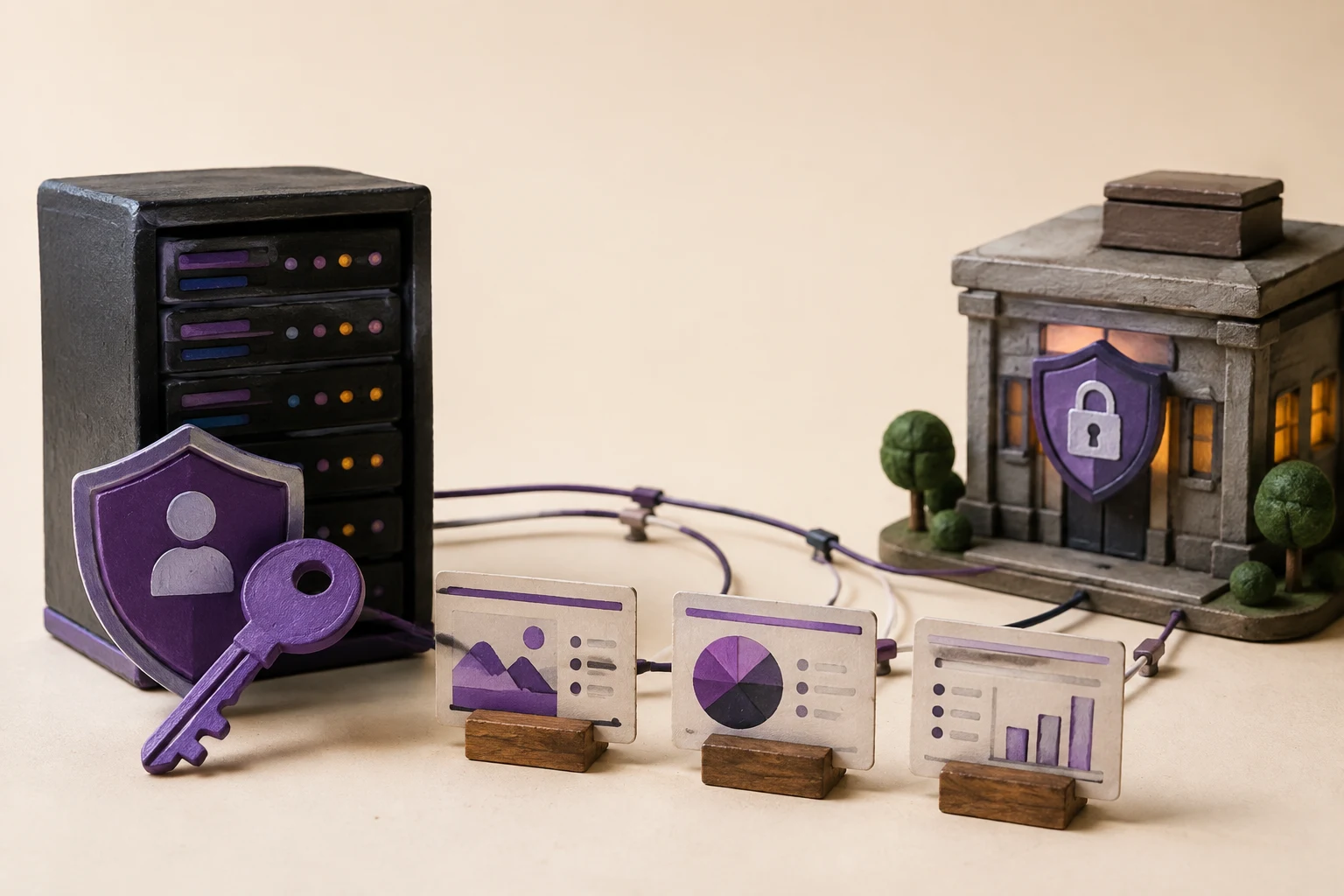
OpenShift and Keycloak can form useful building blocks for a private AI presentation workflow: OpenShift provides a governed container platform, while Keycloak can provide OpenID Connect identity for compatible applications. This guide turns that combination into a reference architecture for Presenton-style presentation generation, with explicit data boundaries, review responsibilities, and validation steps. It is a technical reference—not a named customer case study or a claim of production performance.
What does an OpenShift and Keycloak deployment prove?
An OpenShift and Keycloak deployment can demonstrate a reference pattern for running an AI presentation workflow inside an organization-controlled Kubernetes platform with centralized OpenID Connect identity. It does not, by itself, prove that a deployment is secure, compliant, high-performing, or suitable for every customer. Those conclusions require environment-specific configuration, testing, and review.
In this guide, “case study” means a technical reference architecture. No customer name, production metrics, or confidential deployment result is claimed. The useful question is whether the architecture makes the important boundaries visible: who can sign in, which workloads can access source files, where the model runs, how generated PPTX files are stored, and who approves the final deck.
Red Hat documents Keycloak as a tested OpenID Connect identity provider for OpenShift authentication, while direct external OIDC authentication has version-specific support status. Validate the exact OpenShift release and support policy before production.
Reference architecture for private AI presentation generation
A practical deployment separates the user-facing presentation application from identity, model serving, storage, and platform operations. OpenShift provides the container platform and project boundaries. Keycloak acts as the organization’s OIDC identity provider. Presenton can sit in the application layer as the workflow that turns approved source material into an editable presentation draft, while the customer decides which model, storage, image, and export services are allowed.
| Layer | Reference responsibility | Evidence to collect |
|---|---|---|
| Identity | Keycloak realm, clients, claims, groups, MFA policy, and account lifecycle. | OIDC discovery document, client configuration, claim mapping, access-review record. |
| Platform | OpenShift projects, routes, secrets, service accounts, network policies, quotas, and deployment updates. | Architecture diagram, manifests, RBAC review, network-policy test, recovery runbook. |
| Presentation workflow | Presenton application, templates, source ingestion, generation jobs, review, and editable export. | Representative workflow trace, template test, PPTX inspection, retention decision. |
| Model and assets | Approved local/private model endpoint, image generation route, fonts, and rendering dependencies. | Provider inventory, egress rules, model version, license, telemetry and fallback behavior. |
| Data services | Object/file storage, database, queue, logs, backups, and deletion process. | Data-flow map, storage locations, encryption and access settings, deletion and restore test. |
This layered view prevents a common mistake: treating an application running in OpenShift as proof that every file, prompt, model request, image, log, and backup stays inside the same boundary.
How Keycloak SSO fits the user and service flow
Keycloak is an identity and access-management system that supports OpenID Connect clients. In a reference flow, a user reaches the presentation application, is redirected to the configured Keycloak realm, authenticates under the organization’s policy, and returns with an identity assertion. The application then maps the identity to its own roles, workspace permissions, and review responsibilities.
- Register the client: create a dedicated OIDC client for the application, use exact redirect URIs, and keep client secrets out of source code.
- Define claims and groups: choose stable identity claims and map only the groups needed for creators, reviewers, template managers, developers, and administrators.
- Separate human and service identities: use service accounts or workload identity for jobs and integrations; do not reuse a human token for background generation.
- Test lifecycle events: verify onboarding, role changes, disabled accounts, expired sessions, logout, token rotation, and emergency administrator access.
- Record the application boundary: SSO authenticates a user, but the presentation application still needs authorization checks for source files, templates, exports, and sharing.
Red Hat’s OpenShift documentation describes OIDC issuer URLs, client IDs, audiences, claim mappings, certificate authorities, and separate web-console and CLI clients. A deployment should document these values for the exact release instead of copying a generic YAML example.
Trace every sensitive data path
Start with one recurring report or briefing and trace it from upload to approved deck. Record the source file, extracted text, prompts, retrieved context, model request, generated images, template, intermediate files, rendered preview, editable PPTX, PDF, logs, backups, and support access. Mark each hop as local, private, approved third party, configurable, or unknown.
| Workflow step | Questions to answer | Acceptance evidence |
|---|---|---|
| Source intake | Who may upload? Which file types and classifications are allowed? | Role test, file policy, malware scanning and retention rule. |
| Generation | Which model receives the content? Is outbound egress required? | Provider inventory, network trace, model route and no-training terms where applicable. |
| Composition | Where are templates, fonts, images and intermediate assets processed? | Dependency inventory and representative template render. |
| Review | Who checks facts, figures, citations, brand and accessibility? | Named reviewer, approval state and corrected PPTX. |
| Retention | How are drafts, exports, logs and backups deleted or restored? | Deletion test, backup policy and recovery exercise. |
Presenton fits at the workflow layer when the organization needs an editable presentation artifact and a human review loop. The exact data boundary depends on the chosen Presenton deployment, model provider, storage, image services, and OpenShift configuration.
OpenShift controls to validate before production
OpenShift supplies platform mechanisms, not an automatic security outcome. Validate the controls that protect the presentation workflow and assign an owner for each one.
- Namespaces and RBAC: separate application, model, data, and operations access; test least privilege with real user roles.
- Secrets: store OIDC client secrets, model credentials, storage keys, and signing material through the approved secret-management path.
- Network policy: restrict ingress and egress to identity, model, storage, image, update, and monitoring services that are explicitly approved.
- Routes and TLS: verify hostnames, certificates, redirect URIs, secure cookies, headers, and internal versus external exposure.
- Resource controls: define CPU, memory, GPU, queue, quota, and concurrency limits so one large generation job does not starve review or identity services.
- Observability: log job state, authorization events, failures, and operational signals without placing full confidential source content in general logs.
- Recovery: back up configuration and data according to policy; test restoration of a template, job, identity configuration, and generated artifact.
For direct external OIDC authentication of the OpenShift cluster itself, Red Hat’s current documentation marks the feature as Technology Preview in the cited 4.19 documentation. An application-level OIDC integration and cluster-level authentication replacement are different decisions; do not conflate them.
Where Presenton fits in the reference deployment
Presenton can be evaluated as the presentation-generation layer inside this architecture. A controlled pilot should use an approved document or structured report, a real PowerPoint template, a named reviewer, and a defined export destination. Measure the complete path to an approved editable deck rather than only the time to the first draft.
- Prepare: classify the source material, define allowed fields, select the template, and record the model route.
- Generate: submit the job through the application or API with the minimum context needed for the brief.
- Inspect: check source coverage, figures, unsupported claims, layout, images, fonts, and notes.
- Approve: have the accountable subject-matter owner edit and approve the PPTX before distribution.
- Operate: retain the evidence needed to explain the job while deleting content according to the organization’s policy.
Presenton’s documented workflow includes editable presentation output, templates, model-provider choices, API access, and self-hosted options. Confirm the exact capabilities and controls in the deployment configuration being evaluated.
A 30-day validation plan
| Phase | Test | Pass condition |
|---|---|---|
| Days 1–5 | Architecture and data-flow review. | Every processor, storage location, trust boundary, and owner is documented. |
| Days 6–10 | Keycloak login, groups, disabled user, token and redirect tests. | Users receive only intended application roles and disabled accounts lose access. |
| Days 11–17 | OpenShift workload, secret, route, network and quota tests. | Only approved services communicate and failures do not expose source content. |
| Days 18–24 | Representative generation with a real template and sensitive-but-sanitized files. | Output is factually reviewable, editable, exportable, and traceable to the source. |
| Days 25–30 | Backup, restore, deletion, upgrade and incident exercises. | Owners can recover, revoke, delete, and explain the workflow before approval. |
Keep the result as an evidence pack: architecture diagram, OIDC configuration summary, role matrix, dependency inventory, test cases, export samples, open risks, and production decision. This is more useful than a claim that the stack is “secure by default.”
Sources and technical next steps
The OpenShift and Keycloak details in this reference are based on Red Hat’s OpenShift authentication documentation and Keycloak’s server administration documentation. For serving measurements, use an actual model endpoint and a repeatable harness; the companion benchmark guide explains the method.
Presenton references and next steps
The product details in this guide are grounded in Presenton’s current public documentation and enterprise overview. Presenton documents a template-based workflow, REST API generation and editing, editable PPTX/PDF export, configurable model providers, and self-hosted deployment options. Deployment-specific controls should still be confirmed for the configuration your organization will operate.
- Presenton enterprise overview — deployment, identity, storage, templates, API, and enterprise workflow capabilities.
- Presenton documentation — product setup, self-hosting, supported providers, and generation workflow.
- Presenton API introduction — template-based generation, editing, export, and application integration.
For the best internal-link path, continue to the related enterprise guide above, review the enterprise evaluation checklist, and then Discuss your workflow with the Presenton team.


Published on August 17, 2026



